> ## Documentation Index
> Fetch the complete documentation index at: https://c42d5cb-opencomputer.manicule.dev/llms.txt
> Use this file to discover all available pages before exploring further.
> For every page in one file, fetch https://c42d5cb-opencomputer.manicule.dev/llms-full.txt (large).
> To search and read these docs as tools, connect the MCP server at https://c42d5cb-opencomputer.manicule.dev/api/mcp.
> Every agent surface: https://c42d5cb-opencomputer.manicule.dev/.well-known/llms-manifest.json
# Browser, screenshots and video (/slack/browser-screenshots-video)
Related: [Threads](/slack/threads.md), [Shared threads](/slack/shared-threads.md), [Linked and spawned threads](/slack/linked-and-spawned-threads.md), [Mid-turn messages](/slack/mid-turn-messages.md), [Permission modes](/slack/permission-modes.md), [Approvals, questions and plans](/slack/approvals-questions-plans.md)
> Computer has no browser tool; a session renders pages, images and video with Playwright, headless Chromium and ffmpeg on the computer
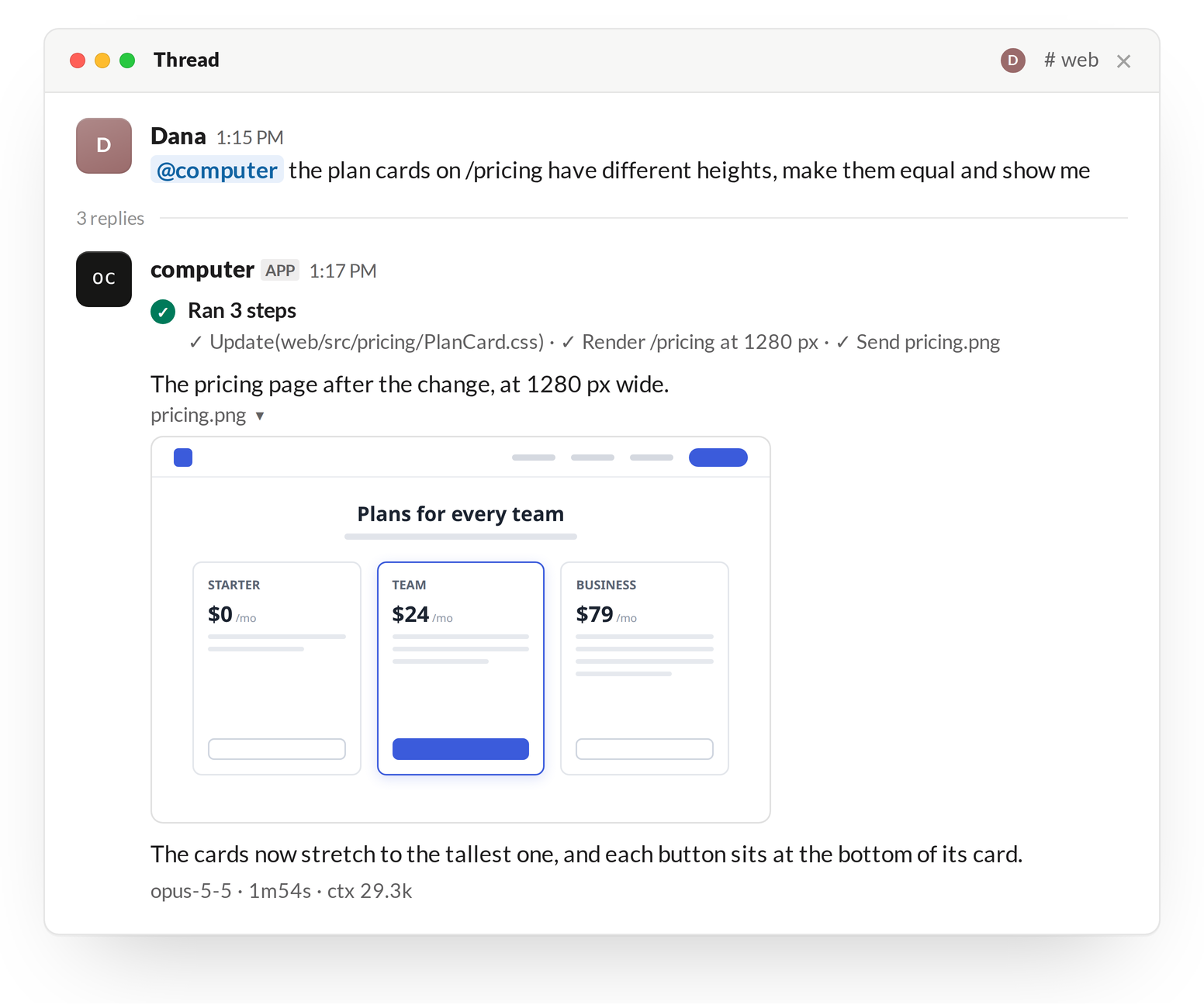
The session posts the result to the thread with [`send_file` or `calvin-send-file`](/slack/files-and-cards#files-out-of-a-session).
 ## Installed software
`deploy/vm/provision.sh` installs:
| Software | Detail |
| ---------- | ------------------------------------------------------------------------------------------------------------------------------ |
| Playwright | The `playwright` npm package, installed globally. Version: `PLAYWRIGHT_VERSION` in `provision.sh` (default `1.64.1`). |
| Chromium | Playwright's `chromium` and `chromium-headless-shell` builds, with their system libraries. Headless. |
| ffmpeg | From the distribution's packages. |
| Fonts | `fonts-dejavu-core`, `fonts-liberation2`, `fonts-noto-core`, `fonts-noto-cjk`, `fonts-noto-color-emoji`: Latin, CJK and emoji. |
If the browser download fails during provisioning, `provision.sh` prints a warning and continues. The first session that needs a browser then downloads it.
## Use in a session
* The session writes render scripts in a scratch directory under `$TMPDIR` and runs `npm link playwright` there, so no repository's dependencies change.
* The browser runs on the computer, so a script opens a dev server the session started at `localhost`, without a [preview URL](/slack/preview-urls).
* The session's instructions ask for one visual per reply unless more are requested, and for a screenshot over a video unless motion is the point.
## Secrets in screenshots
`send_file` refuses a file whose bytes contain a secret's value; it cannot see a secret drawn on a screenshot. The session's instructions say not to post a screenshot that shows credentials or personal data; nothing enforces that.